copy products from one Wix store to another: How to copy products from one Wix store to another
Build your catalog once. How to copy products from one Wix store to another automatically with Multi-Store Sync, keep price, name, description, brand and ribbon in step, and let each store keep what it should.
Running two Wix stores means entering every new product twice, unless the second store copies it. With Multi-Store Sync for Wix, you add a product in your primary store and it can be created automatically in your connected stores, so you build your catalog once. This guide shows how to copy products from one Wix store to another with it, and what stays in sync afterwards.
What copies, and what stays in sync
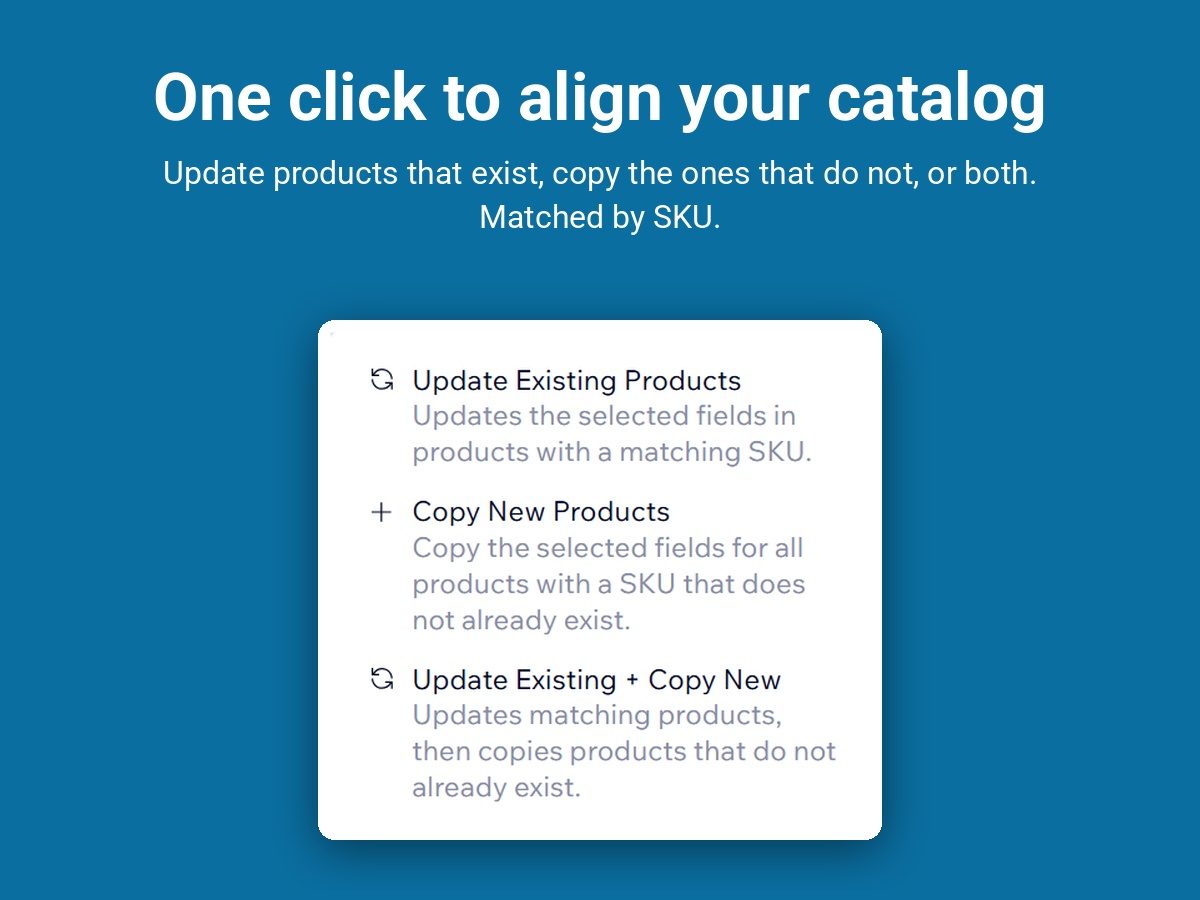
- New products. Each connection has a sync option: update existing products, copy new products, or both. With copying on, a product added to the primary store is created in the connected store.
- Product details. Price, name, description, brand and ribbon, each with its own on/off toggle, set per connection. Switch price off on a connection and the stores keep their own prices while the other fields stay in sync.
- Stock. Inventory syncs both ways in real time across all connected stores.
- Matching by SKU. Products are matched by SKU, so give your products SKUs. Products with unique SKUs in either shop are not synced.
Set it up
- Connect the stores. One primary, one or more child stores, each connection approved from both sides, with a subscription for the primary store and each child store. The steps are in How to sync inventory between two Wix stores. The app has a 7-day free trial.
- Turn on copying. On the connection, choose copy new products, or both update and copy.
- Toggle the fields. Decide per connection whether price, name, description, brand and ribbon stay in sync.
- Sync the entire catalog. One click syncs your entire catalog at any time.
- Add a product in the primary store and look for it in the child store.
Wix to Wix only
The app connects Wix shops to other Wix shops. It does not copy products to Etsy, Amazon or other platforms.
What store owners say
"Not only does it sync perfectly across both of my stores, customer service is great and super responsive to all your questions!" Birdiebeliefproject, on the Wix App Market.