
 For Wix
Wix product bundles app: Product bundles and connected inventory for Wix
Bundles & Connected Inventory adds real product bundling to your store, plus the inventory control to back it up.
10-day free trial. Plans from $6.99 a month.
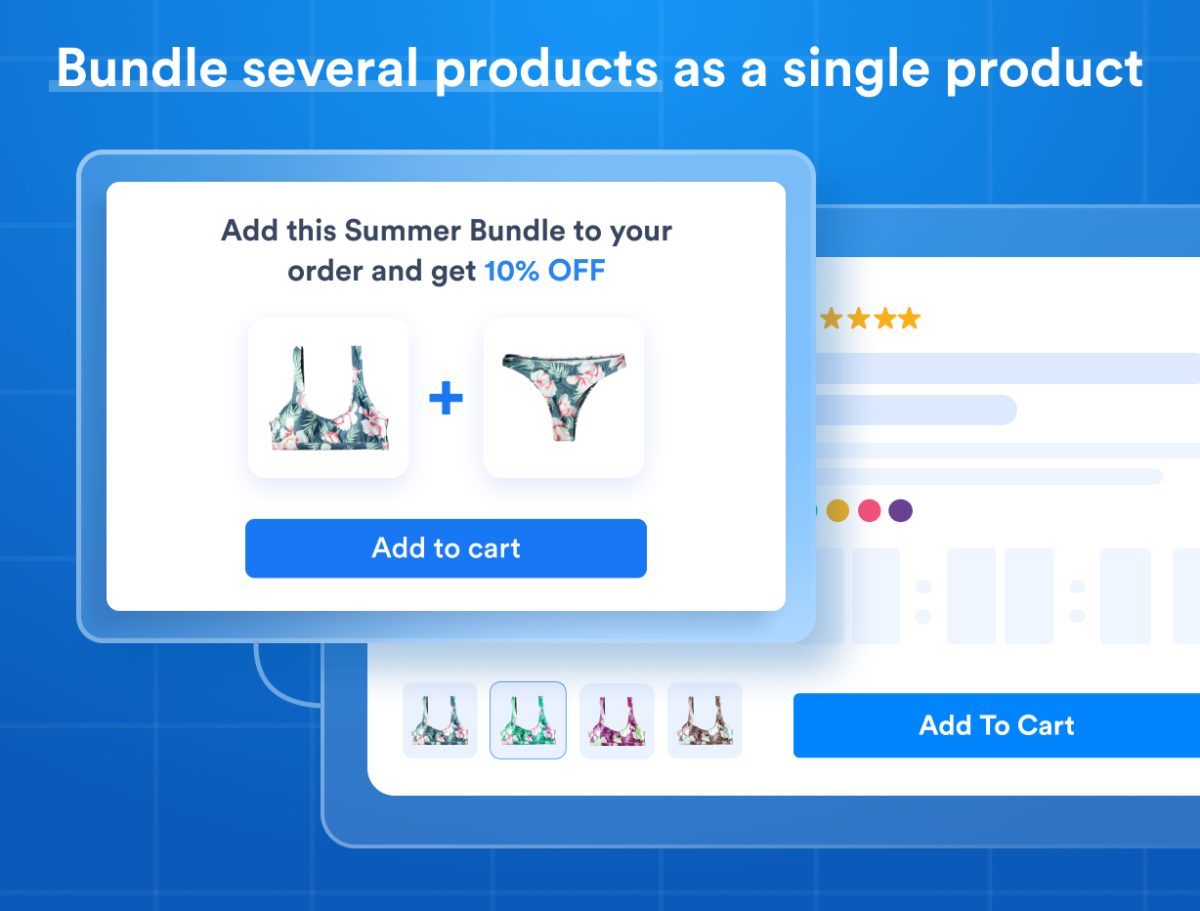
Bundles & Kits
Group products into one bundle with built-in discounts. Every sale auto-updates each child product's stock, and product variants (size, color) map to child products manually or automatically
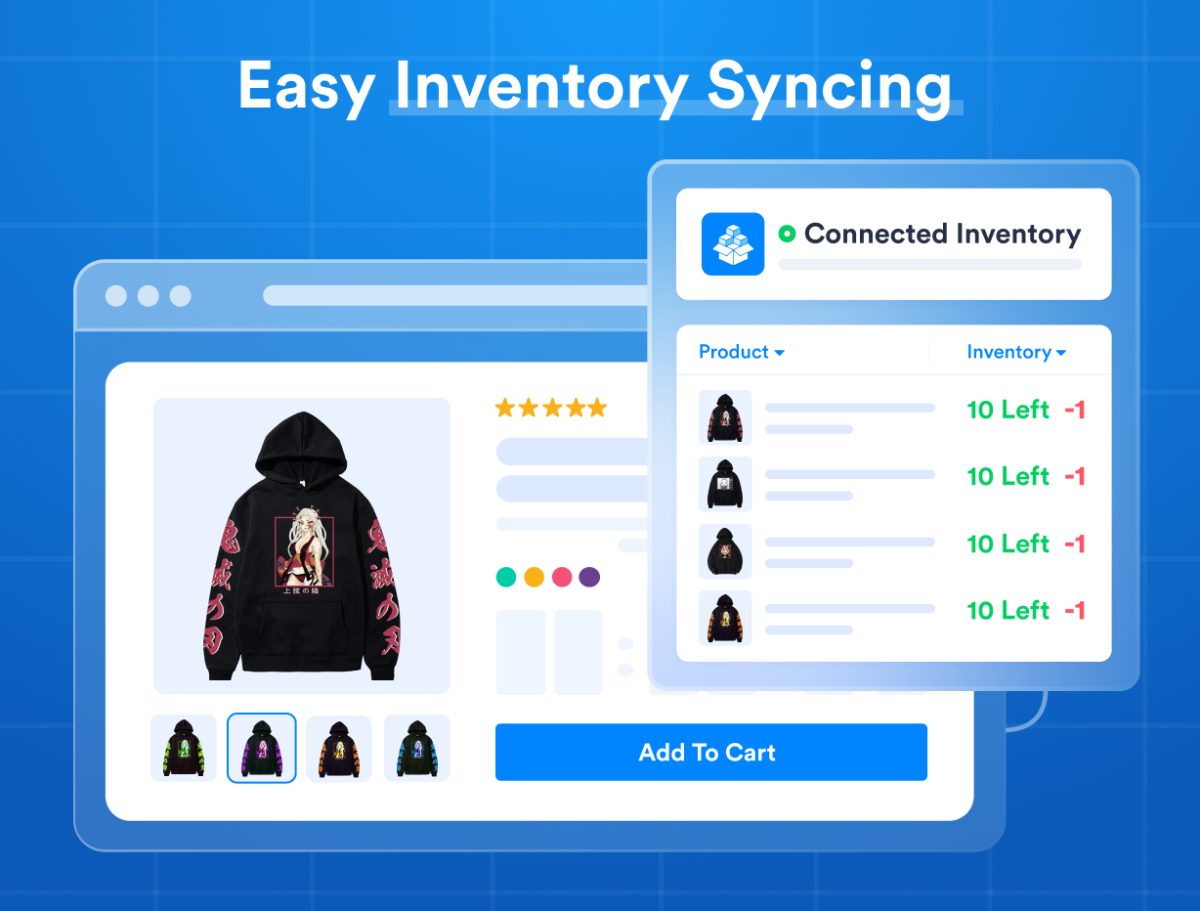
Connected Inventory
Sync stock across multiple products or a single product's variants so they share one real-time inventory, preventing overselling and manual work
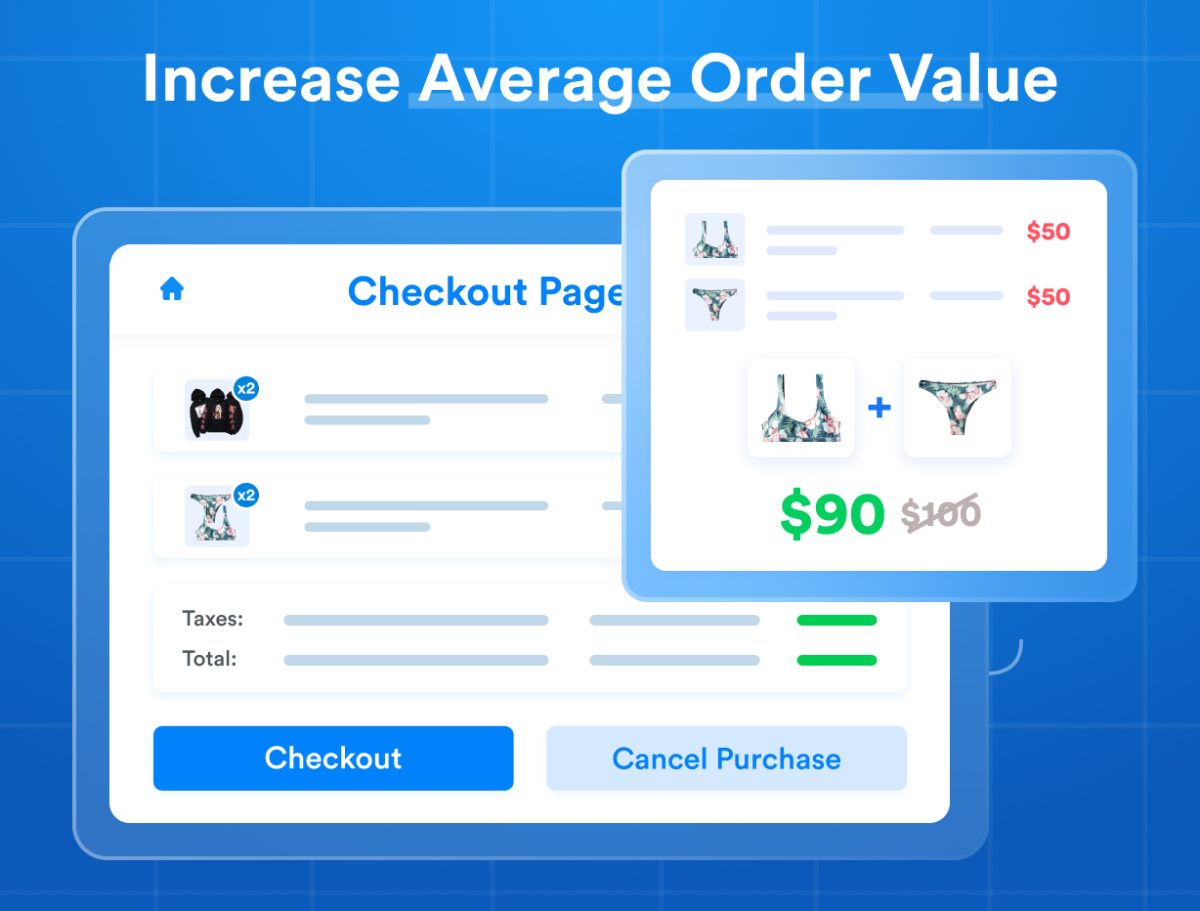
Bundle Widgets & Upsells
Show bundle contents on the product page, and offer bundle upsells in the cart and checkout to turn single-product buyers into bundle buyers
Printful Ready
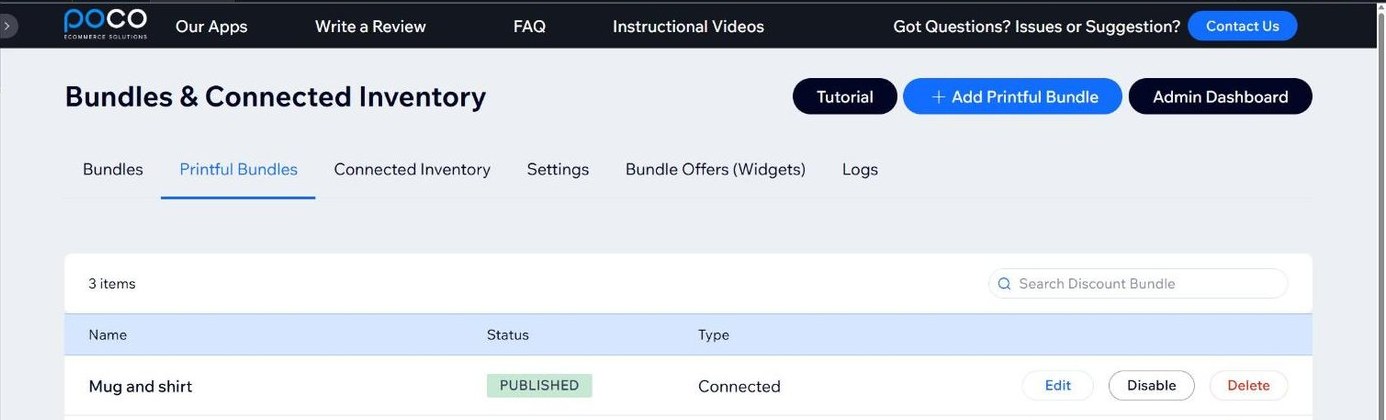
Create Printful bundles that unbundle into individual products and SKUs at checkout, automatically applying the parent bundle's discounts
Everything Bundles does
Bundles & Kits
Group products into one bundle with built-in discounts. Every sale auto-updates each child product's stock, and product variants (size, color) map to child products manually or automatically.
Connected Inventory
Sync stock across multiple products or a single product's variants so they share one real-time inventory, preventing overselling and manual work.
Bundle Widgets & Upsells
Show bundle contents on the product page, and offer bundle upsells in the cart and checkout to turn single-product buyers into bundle buyers.
Printful Ready
Create Printful bundles that unbundle into individual products and SKUs at checkout, automatically applying the parent bundle's discounts.
Order history and invoices
You can also show either the bundle or its individual items in order history and invoices.
Bundles on real products
When do you use Bundles and Connected Inventory?
Bundles: when selling several products individually, and also bundled together as one product or variant. Connected Inventory: when selling a product with multiple variants that each need a specific price but share the same inventory, or a single physical product that is listed as two or more products on your website.
- Single shirts and a 12-pack of the same shirts
- A wellness kit, with each self-care product also sold on its own
- A pack of 4 ice cream flavors
- Tickets for a 200-seat event with Adult, Child and Senior prices
- Unisex clothing listed under both Men's and Women's
- Printful bundles
About Bundles & Connected Inventory
Bundles & Connected Inventory adds real product bundling to your store, plus the inventory control to back it up.
Create a bundle from multiple products and sell it as one. Every sale automatically updates the stock of each child product, and you can add a discount to drive larger orders. Working with variants like size and color? Map them manually, or let automatic mapping link a parent bundle to its child products' options in a few clicks.
Connected Inventory syncs stock across multiple products, or across one product's variants, so they share a single real-time count. This prevents overselling and cuts manual work.
New bundle widgets show what's inside a bundle on the product page, and offer bundle upsells in the cart and checkout to turn single-product buyers into bundle buyers.
Now compatible with Printful: build Printful bundles that unbundle into individual products and SKUs at checkout, while still applying the bundle's discount. You can also show either the bundle or its individual items in order history and invoices.
Visit our demo site (link on the right) for live examples and how-to videos.
Start your free 10-day trial today.
Plans
Unlimited
$6.99 a month
- Unlimited Use (Beyond Trial Period)
$6.50 a month when billed yearly.
Start free trial“Paid for itself in under a month.”
Prices in USD, as shown on the Wix listing on November 13, 2026. The listing has the current price.
Questions
Where is my new Bundle?
Our app does not create a new product on your shop. Before you create the bundle in our app, you must have all the Child products created (The products you are trying to bundle), and also the Parent product (The product that contains all the Child products). You can keep the parent product invisible until the Bundle is created from our app and everything is in sync.
Can I bundle digital products?
No, at this time, it's not possible. As soon as Wix makes the required tools available, we will support it
How to create a "Sleep Well Duo" Bundle
Sleep Well Duo is a bundle of two products without variants, as a new product that also does not use variants
Parent Product = Sleep Well Duo
Child Product 1 = Recharge Eye Shade
Child Product 2 = Restful Sleep Oil Blend
Instructional video showing how to create this Bundle
How to create a "Baby Onesie - Power Pair" Bundle
Baby Onesie - Power Pair is a bundle of two products with Two variant group each (size & color), as a new product that offers the same variant size selection
Parent Product = Baby Onesie - Power Pair
Child Product 1 = Baby Onesie - Little Peanut
Child Product 2 = Baby Onesie - I Am Cute
Instructional video showing how to create this Bundle
How to create a "Tie Dye Bikini Top & Bottom" Bundle
Tie Dye Bikini Top & Bottom is a bundle of two products with one variant group (size) each, as a new product that offers a size selection for each
Parent Product = Tie Dye Bikini Top & Bottom
Child Product 1 = Tie Dye Bikini Bottom
Child Product 2 = Tie Dye Bikini Top
Instructional video showing how to create this Bundle
How to create a "Family Size- Pick 4 Flavors" Bundle
Family Size- Pick 4 Flavors is a bundle with variants to select four products from a selection of 6 possible products.
Parent Product = Family Size - Pick 4 Flavors
Child Product 1 = Mascarpone
Child Product 2 = Vanilla & Almond
Child Product 3 = Maple & Walnut
Child Product 4 = Mint & Chocolate
Child Product 5 = Orange & Chocolates
Child Product 6 = Panna Cotta
Instructional video showing how to create this Bundle
How to create a "Watermelon Ribbon" Bundle
Watermelon Ribbon is a bundle of its own variants, allowing a purchase of different quantities (1 yard or 10 yards)
Parent Product = Watermelon Ribbon (Length: 7"8 & Size: 10 Yards)
Child Product 1 = Watermelon Ribbon (Length: 7"8 & Size: 1 Yards + Quantity = 10)
Instructional video showing how to create this Bundle
How to create a "Pullover Hoodie" Connected Inventory
Pullover Hoodies are 4 Connected Inventory products with their own variants that allows a single inventory product (Hoodie) to be listed sold in four different prints, yet maintain a single inventory for each Hoodie size (Small, Medium, Large, Extra-Large)
Connected Inventory Product 1 = Pullover Hoodie - Anime
Connected Inventory Product 2 = Pullover Hoodie - Crown Fits Wear It
Connected Inventory Product 3 = Pullover Hoodie - Crown
Connected Inventory Product 4 = Pullover Hoodie - Crown Smile
Instructional video showing how to create this Connected Inventory
How to create a "Friendship Ring" Connected Inventory
Friendship Ring is Connected Inventory product with its own variants that allows a single inventory product to be sold in different options
Connected Inventory Product = Friendship Ring - All Variants
Instructional video showing how to create this Connected Inventory
How to create a UTP Cable Bundle
UTP Cable is a product with variants, allowing a purchase of different lengths (25 Meter, 50 Meter and 100 Meter)
Each variant is its own bundle product that is connected to a hidden product used to track the total inventory
Parent Product = UTP Cable
Instructional video showing how to create this Bundle
How-to videos
- How to create a Bundle without variants (Eye Mask + Sleep Oil)
- How to create a Bundle a single product sold in 2 quantities (T-Shirt)
- How to create a Bundle with multiple variants (Baby Onesie)
- How to Bundle Multiple products with Multiple options (Shirt + Pants + Cufflinks)
- How to create a Bundle for products with a single variant group (Tie Dye Bikini Top & Bottom)
- How to Create a Connected Inventory for a single product with options (Friendship Ring)
- How to create a Bundle linking variants to products (Ice-Cream Family Pack)
- How to create a Bundle for a product sold in multiple lengths (UTP Cable)
- How to create a Bundle for multiple quantities (Watermelon Ribbon)
- How to create a Connected Inventory for a single physical product sold as different ones (Hoodies)
Related
Stuck on Bundles setup? Tomer or Suren answers.
Open a ticket and one of the people who built the apps replies within 24 business hours. If the automatic ticket confirmation does not arrive, check your spam folder.