product bundles on Wix: How to create product bundles on Wix
Sell a kit as one product while every item in it keeps its own stock. How to create product bundles on Wix with Bundles & Connected Inventory: parent and child products, discounts, variant mapping, widgets, cart upsells and Printful.
Product bundles on Wix work best when the bundle is a real product, with its own page, price and photos, and the stock stays honest: sell the kit and each item's stock updates with it. Bundles & Connected Inventory for Wix does exactly that. The app does not create products for you. It links products you already have, so the first step happens in Wix.
Step 1: Create the products in Wix
Create every child product (the items in the kit) and the parent product (the kit itself) in your Wix store first. You can keep the parent product invisible until the bundle is created in the app and everything is in sync.
Step 2: Build the bundle in the app
Install the app from its listing; it has a 10-day free trial. Create the bundle by linking the parent product to its child products, and add a discount to drive larger orders. From then on, every sale of the bundle automatically updates the stock of each child product.
Step 3: Map the variants
Working with variants like size and color? Map them manually, or let automatic mapping link the parent bundle to its child products' options in a few clicks. The Baby Onesie Power Pair demo bundles two onesies that each have a size and a color, and the parent offers the same size selection. The Family Size Pick 4 Flavors demo uses the parent's variants to pick four flavors out of six.
Step 4: Show the bundle and upsell it
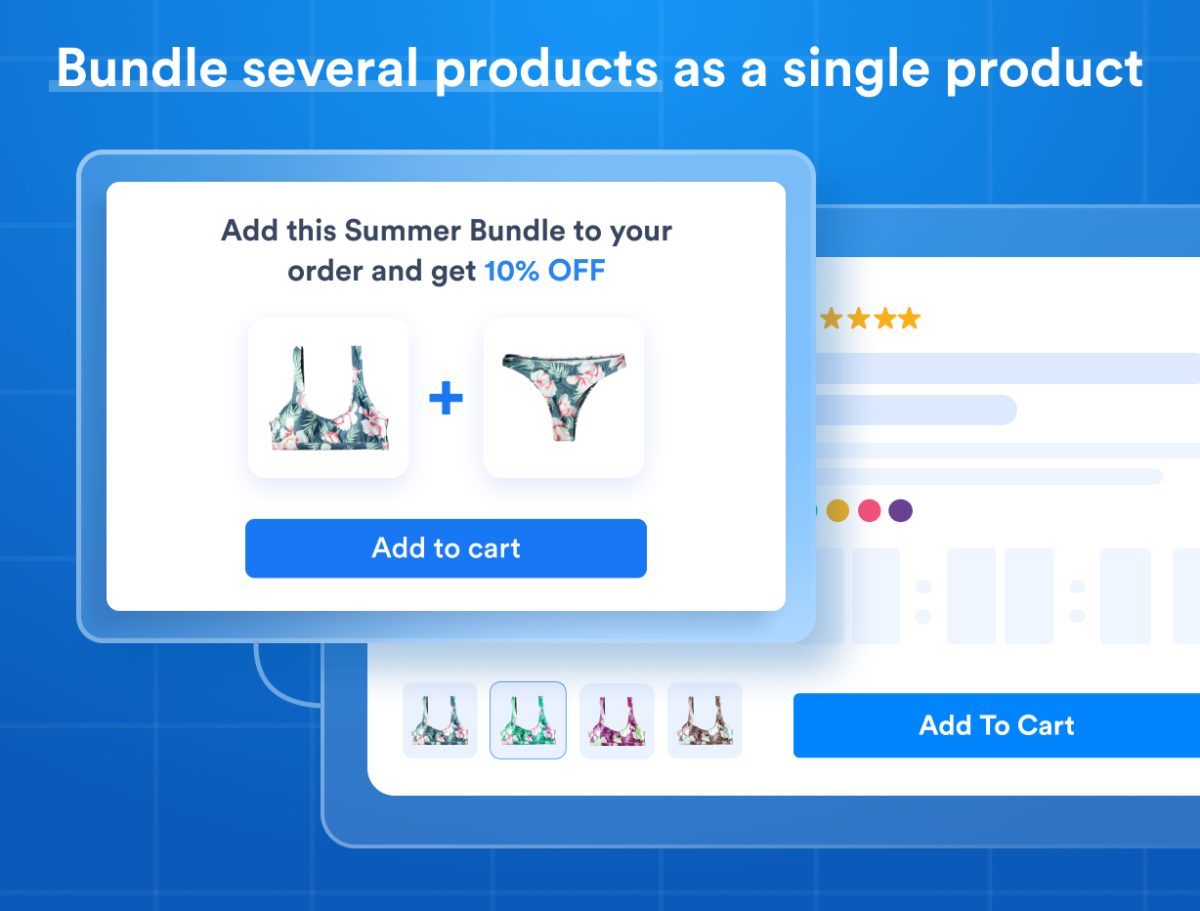
Bundle widgets show what is inside a bundle on the product page, and offer bundle upsells in the cart and checkout, to turn single-product buyers into bundle buyers. In order history and invoices you can show either the bundle or its individual items.
Printful bundles
Build Printful bundles that unbundle into individual products and SKUs at checkout, while still applying the bundle's discount.
Worked examples, with videos
The demo store has live examples, and each video below shows one setup:
- Two products without variants: Sleep Well Duo
- One product sold in two quantities: T-shirt
- Two products with size and color each: Baby Onesie Power Pair
- Several products with several options each: Shirt, pants and cufflinks
- Two products with one variant group each: Tie Dye Bikini Top and Bottom
- Pick four of six: Ice cream family pack
- One product in several lengths: UTP Cable
- One product in several quantities: Watermelon Ribbon
Digital products
Bundling digital products is not possible at this time. As soon as Wix makes the required tools available, the app will support it.
What store owners say
"Bundles help boost my AOV while connected inventory just made my life 10x easier. This app removed all the limitations I was facing with Wix stores and paid for itself the first month." Spriggits, on the Wix App Market.
When the products share stock instead
A hoodie in four prints, or one event with adult and child tickets, is not a bundle. It is one stock count behind several products or variants. That is the app's other half: How to share inventory between products on Wix.