
share inventory between products on Wix: How to share inventory between products on Wix
One hoodie in four prints, a unisex tee listed under Men's and Women's, one event with adult and child tickets. How to share inventory between products on Wix so they all sell from one count, with Connected Inventory.
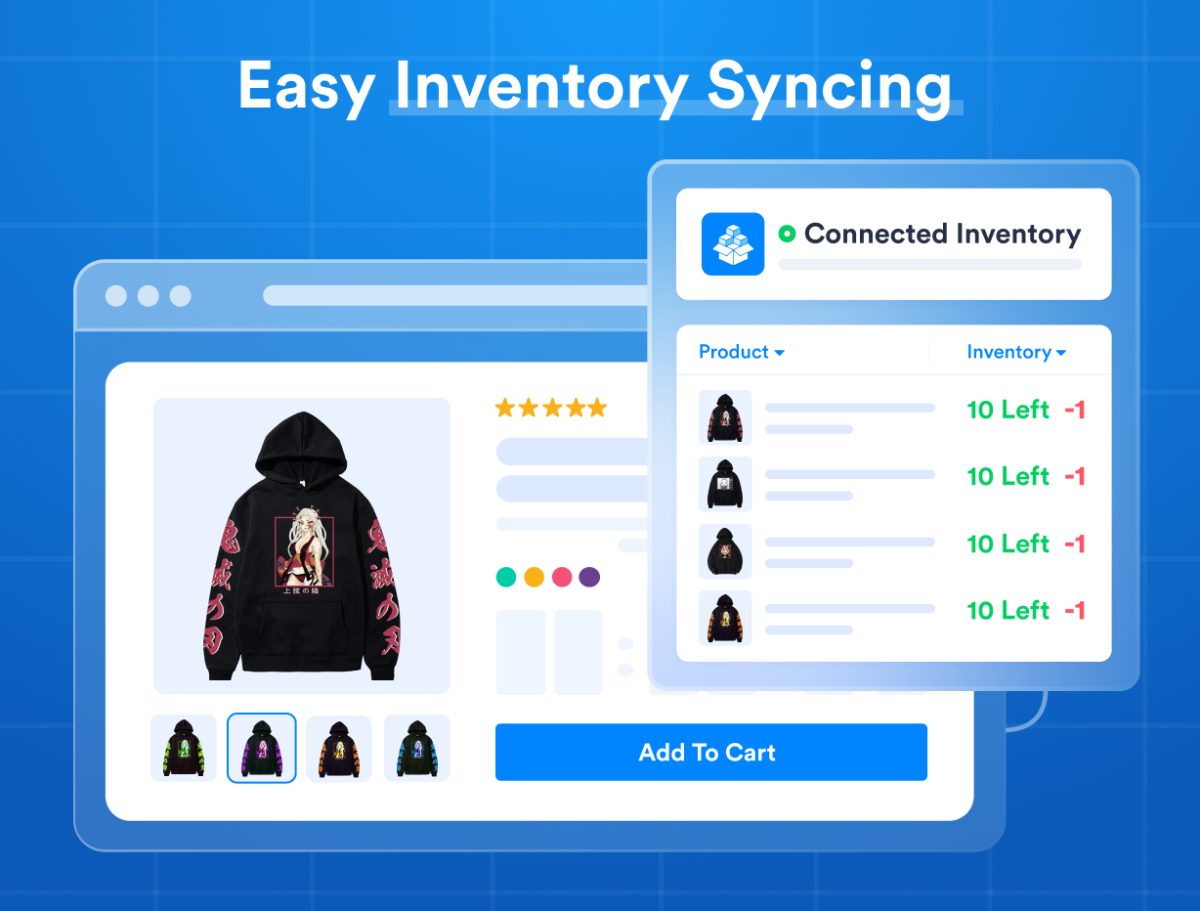
In Wix, each product and each variant carries its own stock count. That is a problem whenever one physical item is listed more than once: a hoodie sold in four prints where the blank hoodie is the thing in stock, a unisex tee listed under both Men's and Women's, or a 200-seat event sold as Adult, Child and Senior tickets at different prices. Sell one and the others do not know. To share inventory between products on Wix, Bundles & Connected Inventory adds Connected Inventory: stock synced across multiple products, or across one product's variants, so they share a single real-time count. No overselling, no manual adjusting.
When to use Connected Inventory
From the app's own examples:
- A single physical product listed as two or more products. Unisex clothing listed under both Men's and Women's. Pullover hoodies sold in four prints, each its own product, that keep a single inventory for each size (Small, Medium, Large, Extra-Large).
- One product whose variants need different prices but share stock. Tickets for a 200-seat event with Adult, Child and Senior prices. The Friendship Ring demo, one product sold in different options from one stock.
If instead you sell several products individually and also together as one product, that is a bundle: How to create product bundles on Wix.
Set it up
- Create the products or variants in Wix the way shoppers should see them, each with its own price and photos.
- Install the app from its listing. It has a 10-day free trial.
- Connect the products or variants that share stock. The app's Connected Inventory panel shows the linked items and the one stock count they share.
- Sell. A sale of any one of them lowers the shared count for all of them, in real time.
Worked examples, with videos
- One product with options sold from one stock: Friendship Ring
- One physical product sold as several products: Pullover Hoodies
Both are live on the demo store.
One item sold by length or quantity
A cable sold as 25, 50 or 100 meters is a related case: each length is its own bundle, connected to a hidden product that tracks the total. A ribbon sold by the yard or by the 10 yards is a bundle of its own variants. The UTP Cable and Watermelon Ribbon videos show each setup.
What store owners say
"Bundles help boost my AOV while connected inventory just made my life 10x easier." Spriggits, on the Wix App Market.
Two stores, not two products?
If the same stock has to show in two different Wix stores, that is a different app: How to sync inventory between two Wix stores.