
personalized products on Wix: How to sell personalized products on Wix
A name, a number, an engraving line, a message on a cake. How to sell personalized products on Wix with fields that carry their own price, appear only when asked for, and reach the order with every entry intact.
Personalized products on Wix need three things from the product page: a place to type (a name, a number, a message), a price for the personalization when you charge for it, and the entry on the order so whoever makes the item sees exactly what was asked for. Attribute Wizard Pro for Wix covers all three with priced text fields and conditional options, and its demo store has the examples below ready to try.
A text field with a price
Priced text fields add engraving: the field carries its own price, so an engraved version costs more than the plain one without a second product listing. Every choice in the app can carry its own price, SKU and tracked stock.
Fields that appear only when asked for
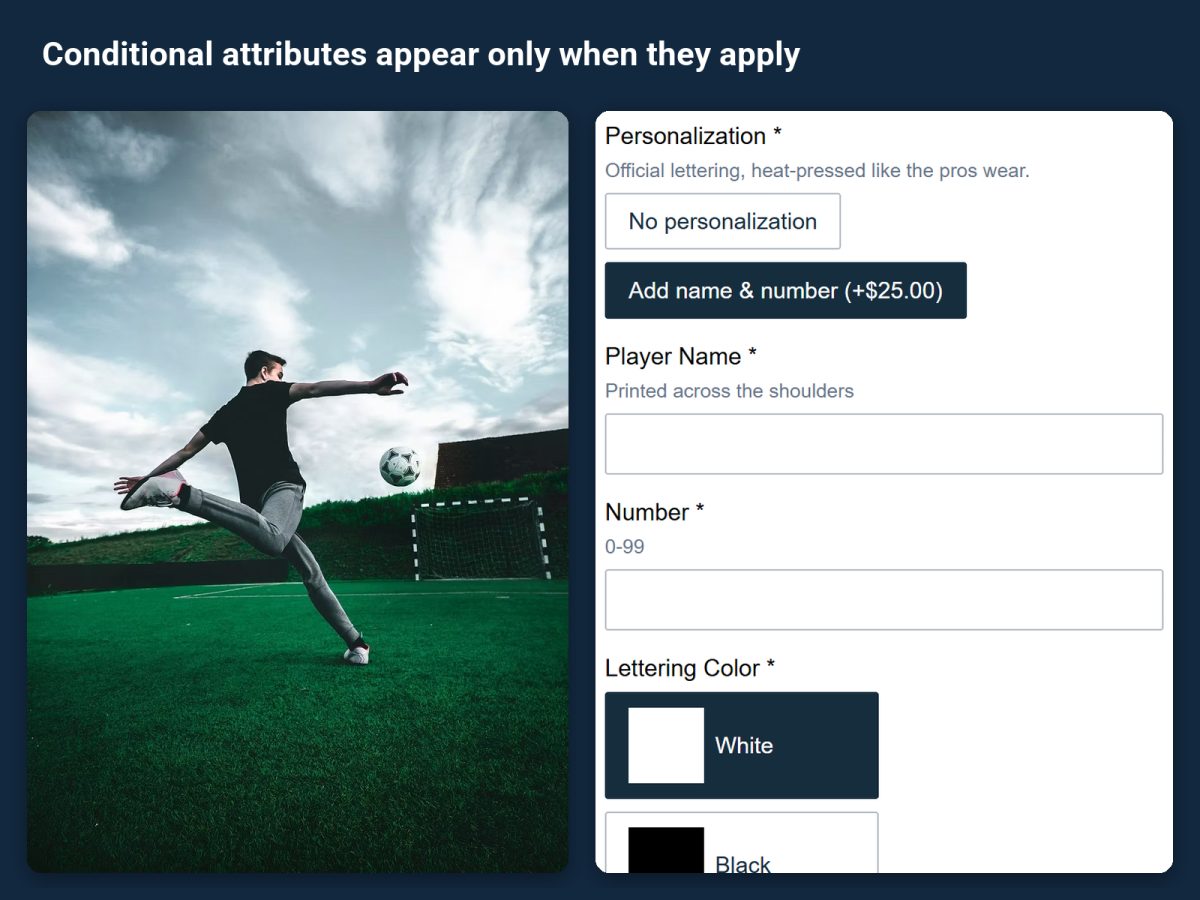
Options appear only when they apply, so a form with thirty choices feels like five. On the custom soccer jersey demo, the personalization fields stay hidden until personalization is chosen. Nested conditions build real order forms: the celebration cake asks for a size, a flavor and an occasion, then offers an optional inscription.
A photo that changes with the choice
Layered images redraw the product photo as shoppers choose. The classic leather watch demo swaps the strap color and case finish in the photo as each swatch is picked, so the shopper sees the item they are building.
The entry reaches the order
Every selection follows the order to the cart, checkout, emails and the order view. The text the shopper typed is on the order, not in a note you have to chase.
Set it up
- Install from the Wix App Market. Install from the listing. The free plan includes one attribute set with up to three attribute groups and every input type. Paid plans come with a 14-day trial.
- Open a demo product. The app installs working demo products and has a step-by-step tour on every page.
- Add a text field to your attribute set and give it a price where you charge for personalization.
- Make it conditional if it should stay out of the way. Show the text fields only after personalization is chosen, the way the jersey demo does.
- Assign the set to the products that can be personalized.
- Place a test order and read the entry on the order view and in the order email.
More than text
Swatches, add-ons with their own stock, quantity grids and more than 6 options on one product are covered in How to add custom product options to a Wix store.
Selling on Shopify too?
Attribute Wizard Pro for Shopify lists custom text, custom pricing and conditional logic among its input types.