
product image change with options in Wix: How to make the product image change with the options chosen in Wix
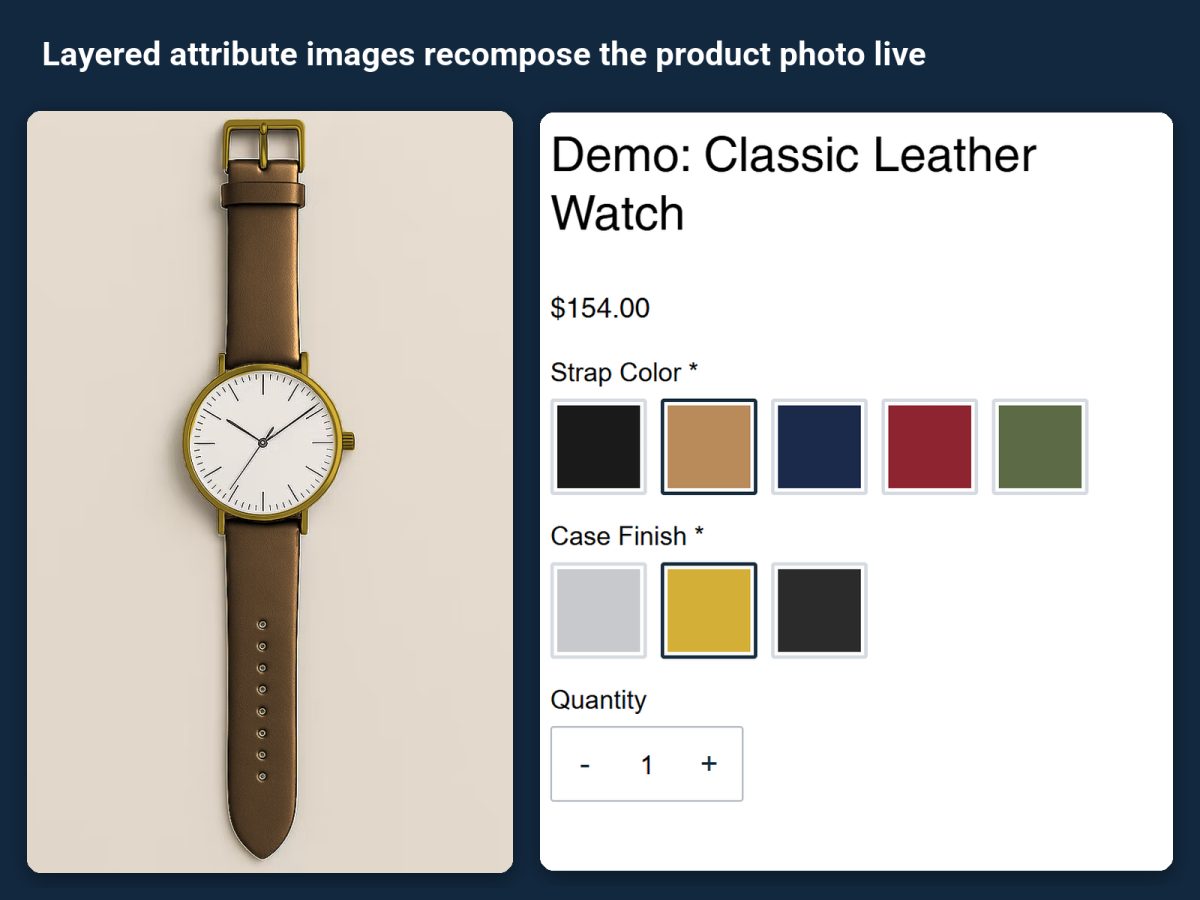
The strap turns brown when "brown" is picked, the bag's left panel turns red. How to make the product image change with options in Wix using layered images in Attribute Wizard Pro, one transparent layer per choice.
A shopper picking a strap color wants to see the watch with that strap. Wix can switch the product photo for a variant it knows about, but once the choices multiply, there is no photo of every combination. Attribute Wizard Pro for Wix makes the product image change with options in Wix by layering: each option adds its own transparent layer to the product photo, so the preview is drawn from the parts rather than photographed in every combination.
How layered images work
Each value in a group carries an image layer, a transparent PNG of just that part. The product photo is the base; as the shopper chooses, the chosen layers stack on top of it. Three strap colors and four dial colors need seven small layers, not twelve photos.
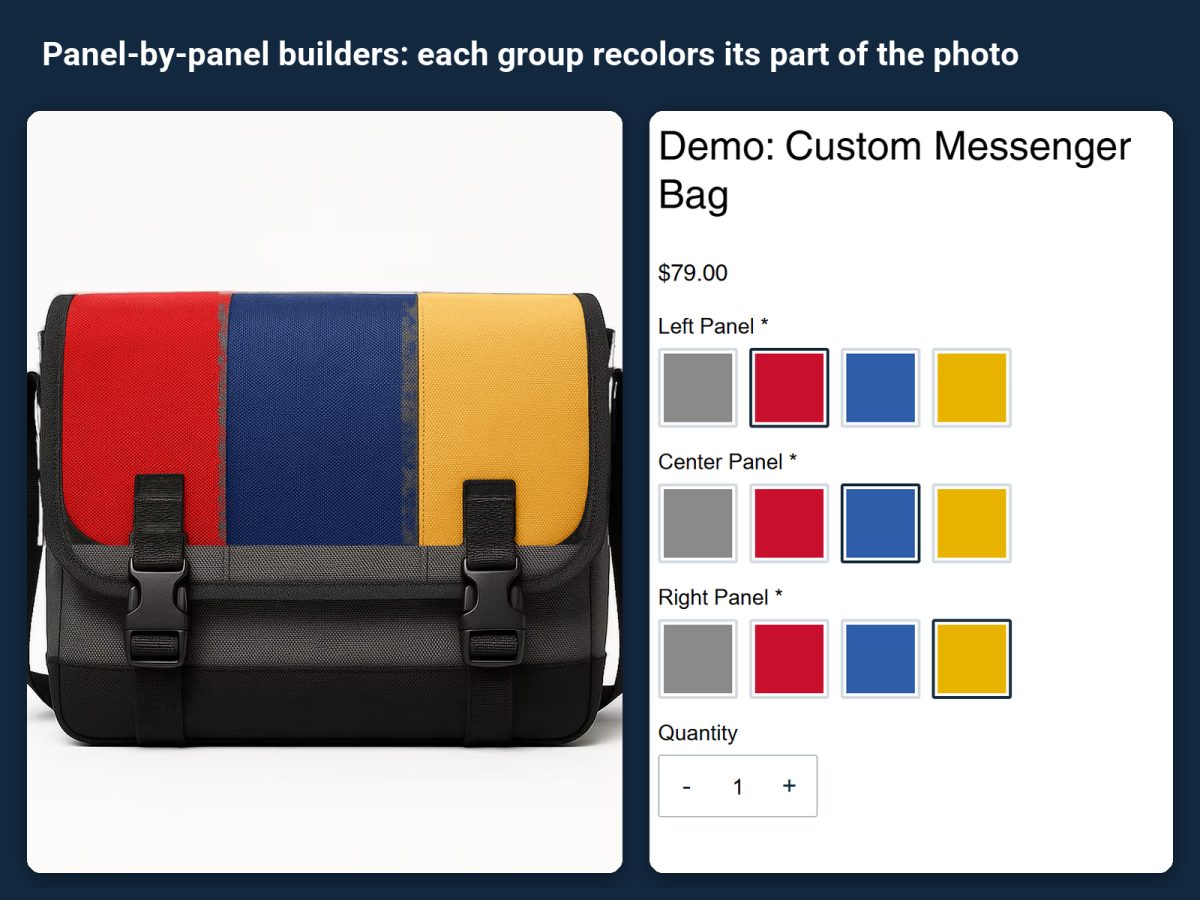
For products built panel by panel, each group recolors its own part of the photo: the messenger bag below has left, center and right panels, each with its own color group.
Set it up
- Install the app from its listing. The classic leather watch and the messenger bag among the demo products are finished examples.
- Prepare the layers. One transparent PNG per option value, all the same size as the base photo, each showing only its part.
- Create the groups (strap color, case finish) and upload the layer on each value. A value can also carry its own price, SKU and stock, so a leather strap can cost more than nylon.
- Assign the set to the product and pick through the options on the live page to check that every layer lines up.
Every selection follows the order to the cart, checkout, emails and the order view, so the person packing the order sees the same build the shopper previewed.
Related guides
How to build a product configurator on Wix covers pricing per combination for the same products. How to show product options as images in Wix is about the option picker itself rather than the product photo.